There are two ways to raise a ticket directly to the IT Support Helpdesk
Raise Tickets via the Portal
The Helpdesk homepage is https://ithelpdesk.cidari.co.uk/support/home
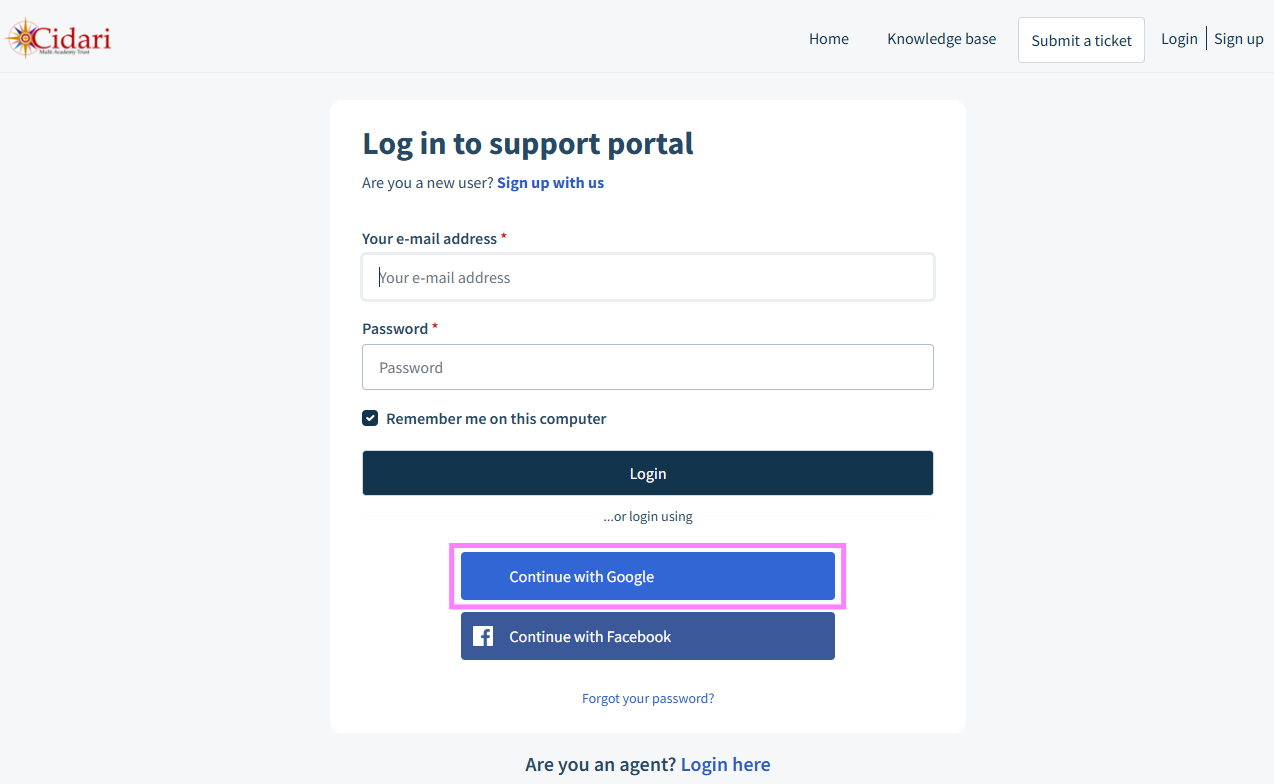
There are options to view support articles or submit a ticket. If you choose to Login or Sign up, you will be prompted to sign in. This is easily done by clicking on the 'Continue with Google' button:
When you've been prompted to log in, there's also the option to view all of the tickets that have already raised:
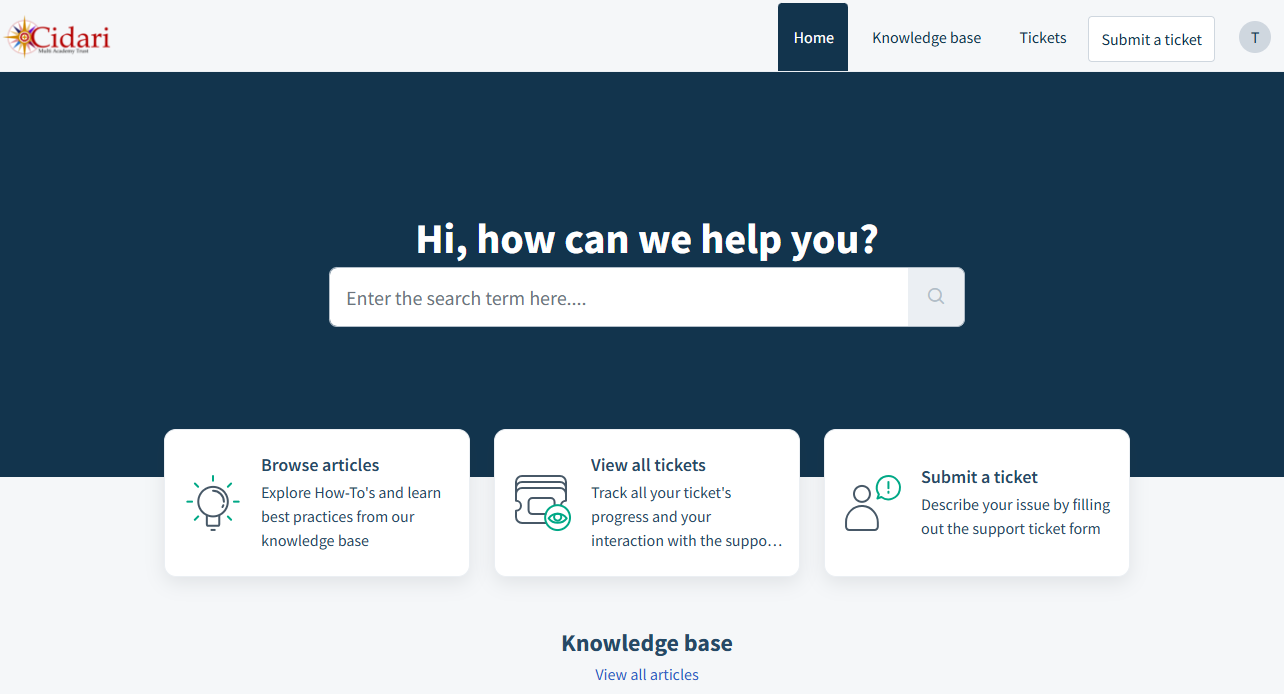
This is especially useful for SBMs or SAMs that raise tickets on behalf of others as they'll be able to see all of their tickets.
Raise Tickets via Email
Each school has their own email address in order to raise tickets:
| School | IT Email | |
| Appley Bridge All Saints' | aba.ithelpdesk@cidari.co.uk | |
| Baines Endowed | bai.ithelpdesk@cidari.co.uk | |
| Castle View Primary | cvl.ithelpdesk@cidari.co.uk | |
| Central Office | central.ithelpdesk@cidari.co.uk | |
| Darwen St James' | sjd.ithelpdesk@cidari.co.uk | |
| Great Marsden St John's | gmr.ithelpdesk@cidari.co.uk | |
| Newchurch St Mary's | smp.ithelpdesk@cidari.co.uk | |
| South Shore Academy | ssa.ithelpdesk@cidari.co.uk | |
| St Aidan's | sab.ithelpdesk@cidari.co.uk | |
| St Barnabas' | sbd.ithelpdesk@cidari.co.uk | |
| St George's | sgb.ithelpdesk@cidari.co.uk | |
| St Luke & St Philip's | slp.ithelpdesk@cidari.co.uk | |
| St Matthew's | psm.ithelpdesk@cidari.co.uk | |
| St Silas' | ssb.ithelpdesk@cidari.co.uk | |
| Warton St Paul's | wsp.ithelpdesk@cidari.co.uk |
While it's possible to email the IT Support Helpdesk without using a site-specific address, the ticket will have to be redirected manually. If you've ever emailed the IT Support Helpdesk and your technician took an hour or two longer than you expected, that could be because the ticket did not go to them directly.
Was this article helpful?
That’s Great!
Thank you for your feedback
Sorry! We couldn't be helpful
Thank you for your feedback
Feedback sent
We appreciate your effort and will try to fix the article